
Shelf Life is private and local by design.
No need for a user account and there are no sync servers. Your library lives on your device. All files stay on your device or on your local network. We do not collect any analytics, we do no tracking, and there are no third-party SDKs. And of course there are no ads.
Track your book library
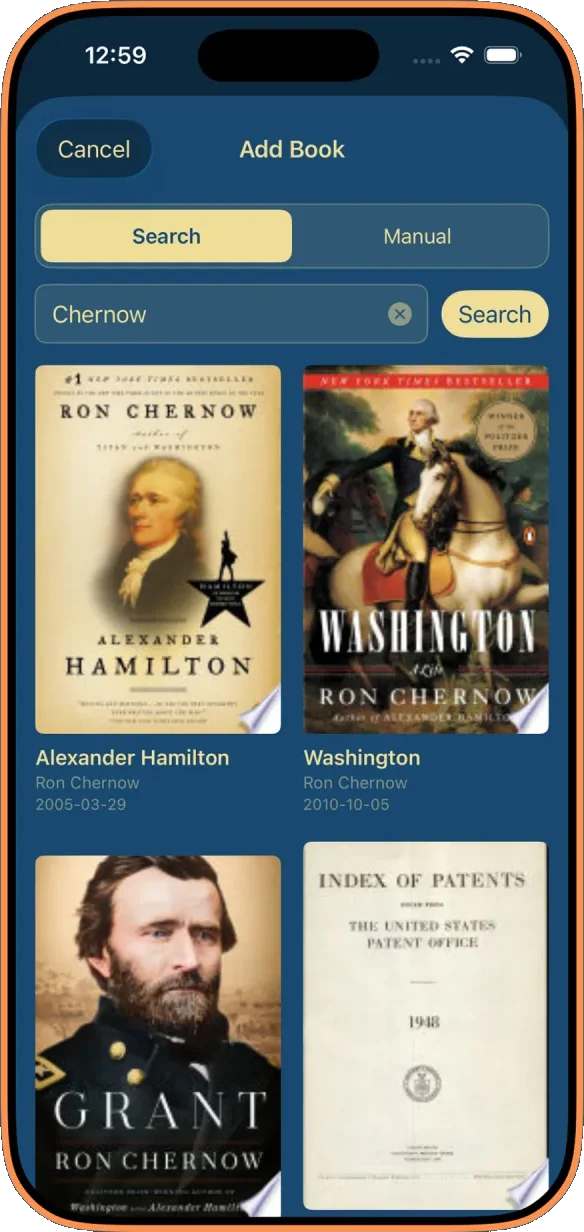
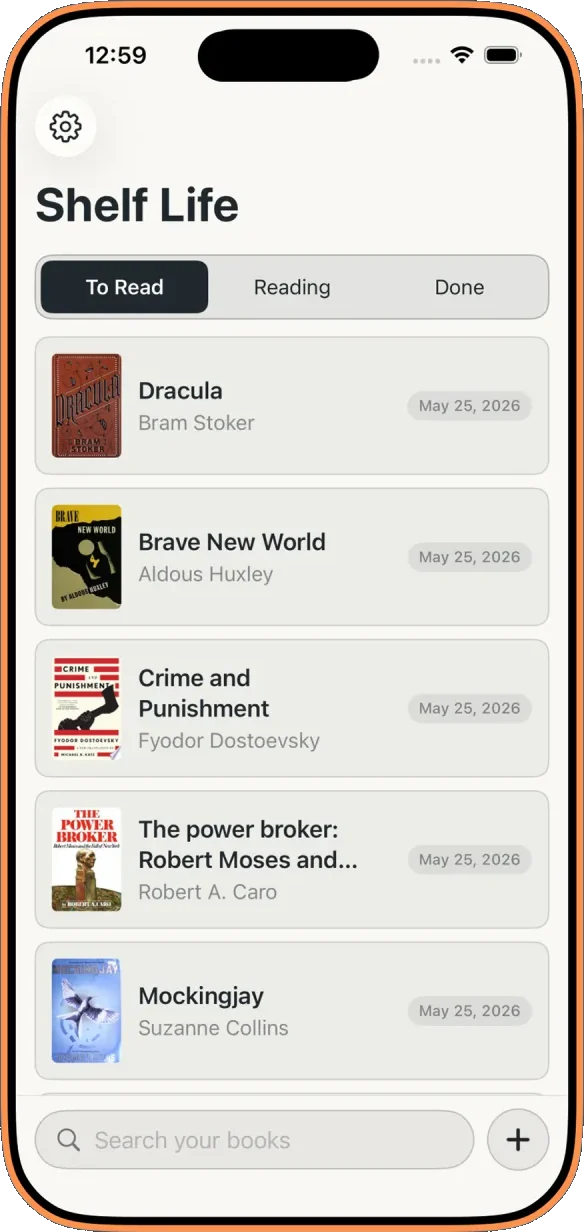
Search by title or ISBN, then save what you're reading, what you've finished, and what you want to read in the future. Covers and metadata come from public catalogs, and you can add your own custom ebook covers and even add custom books.
Read in the app
Attach an epub to a book and tap Preview to read it right on your iPhone — no separate reading app required. Continuous scroll, a centered column of text, chapter-by-chapter navigation, and text you can size up or down. It's comfortable to read in the dark, too.
Send to Kobo
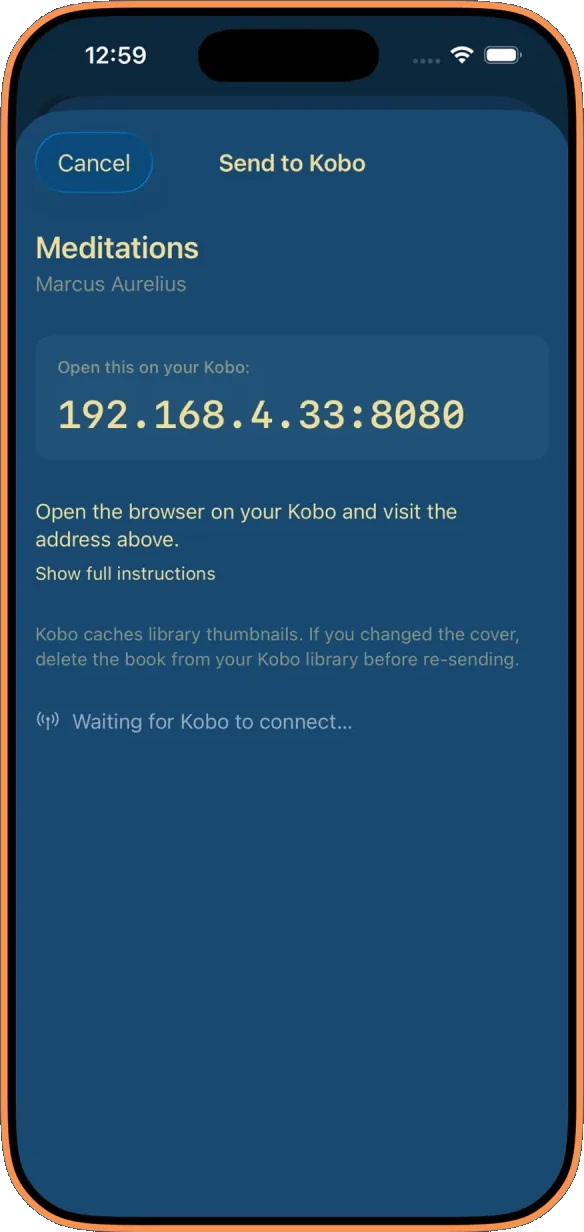
Drop an epub onto a book and Shelf Life can serve it to your Kobo's built-in browser over your home Wi-Fi. No need for cables, no Adobe Digital Editions, no cloud uploads on a strange server. You just open the local URL on your Kobo and tap download.
Sync your progress from Kobo
Read on your Kobo, then pick up where you left off on your phone. Plug the eReader into your iPhone, tap sync in your library, and the books you sent it show how far you've read. Resume from Kobo reopens the in-app reader at the exact spot you reached — not just the start of the chapter. Like everything else in Shelf Life, it stays on your devices: progress is read straight off the Kobo over the cable, never the cloud.
Status
Now available on the App Store for iPhone.
Send feedback to support@shelflife.page. Thanks!